Logging In
New Users (Signing Up)
If this is your first time using Struction, you will need to "Sign-Up" as a new user. Even if we created a "Struction Instance" for your company, you will still need to "Sign-Up" if you have not used Struction before.
- Navigate to "www.struction.co" (NOT "www.struction.com" - this is not our website)
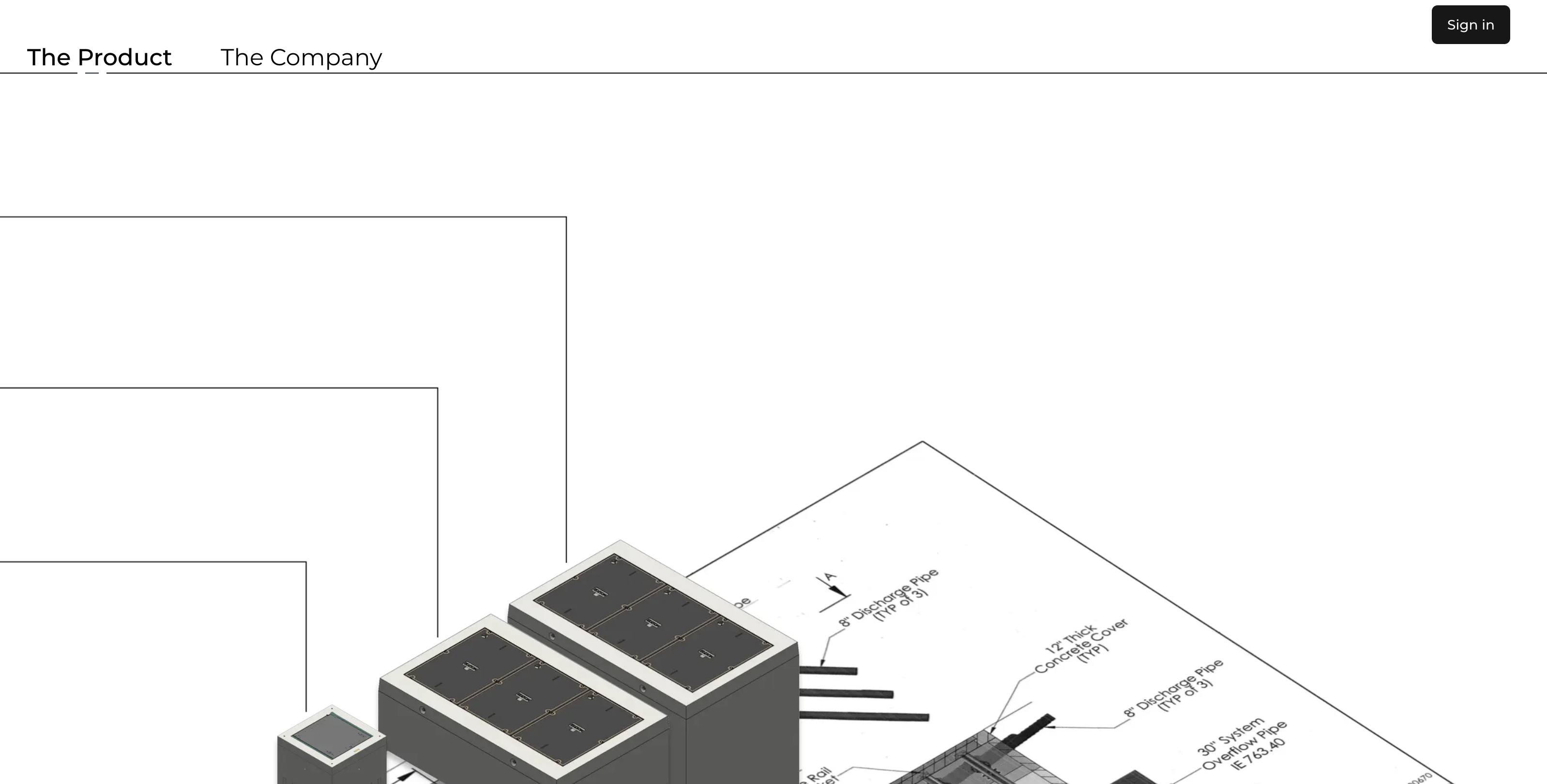
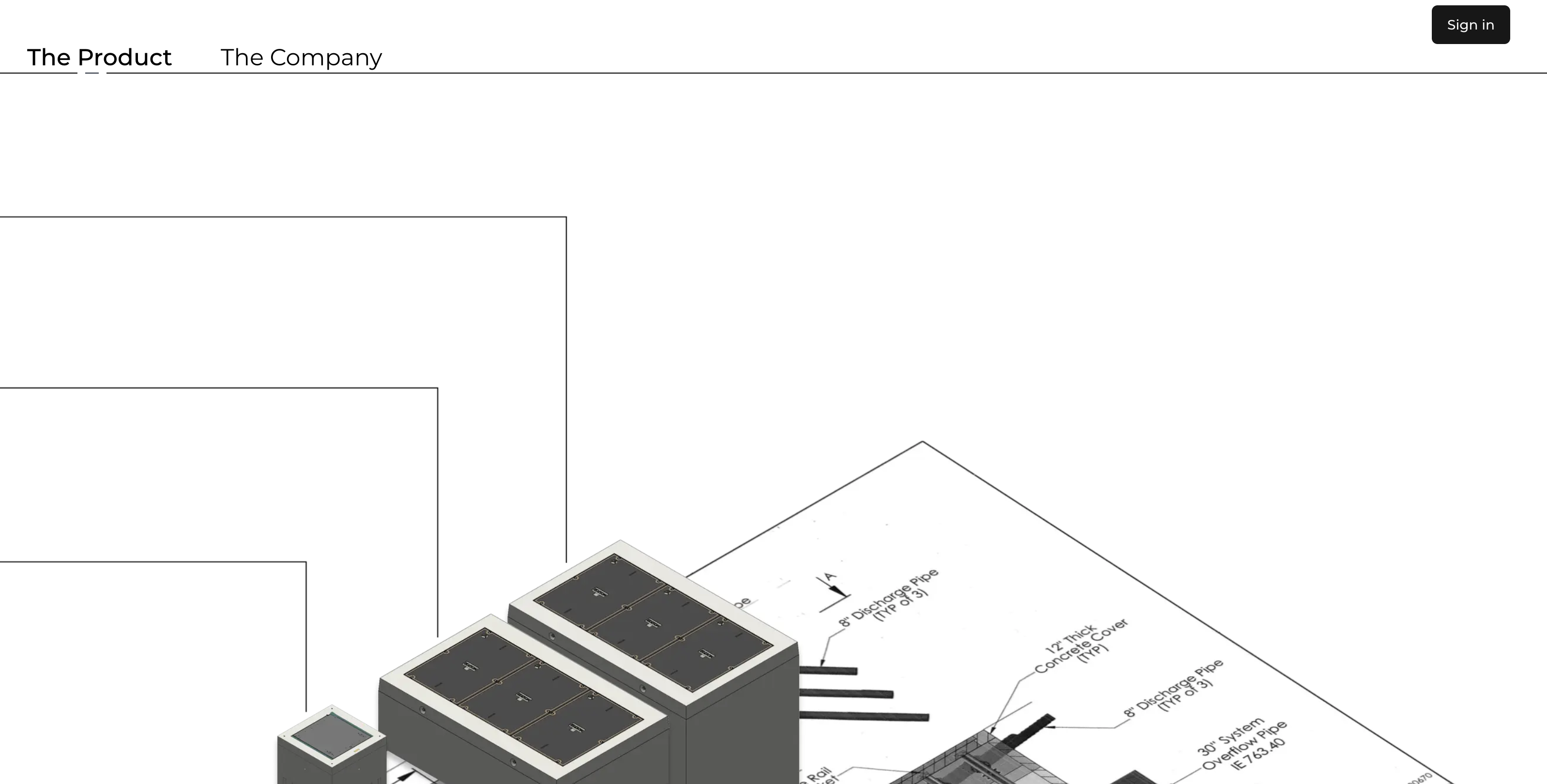
- Click "Sign-In" in the top right hand corner
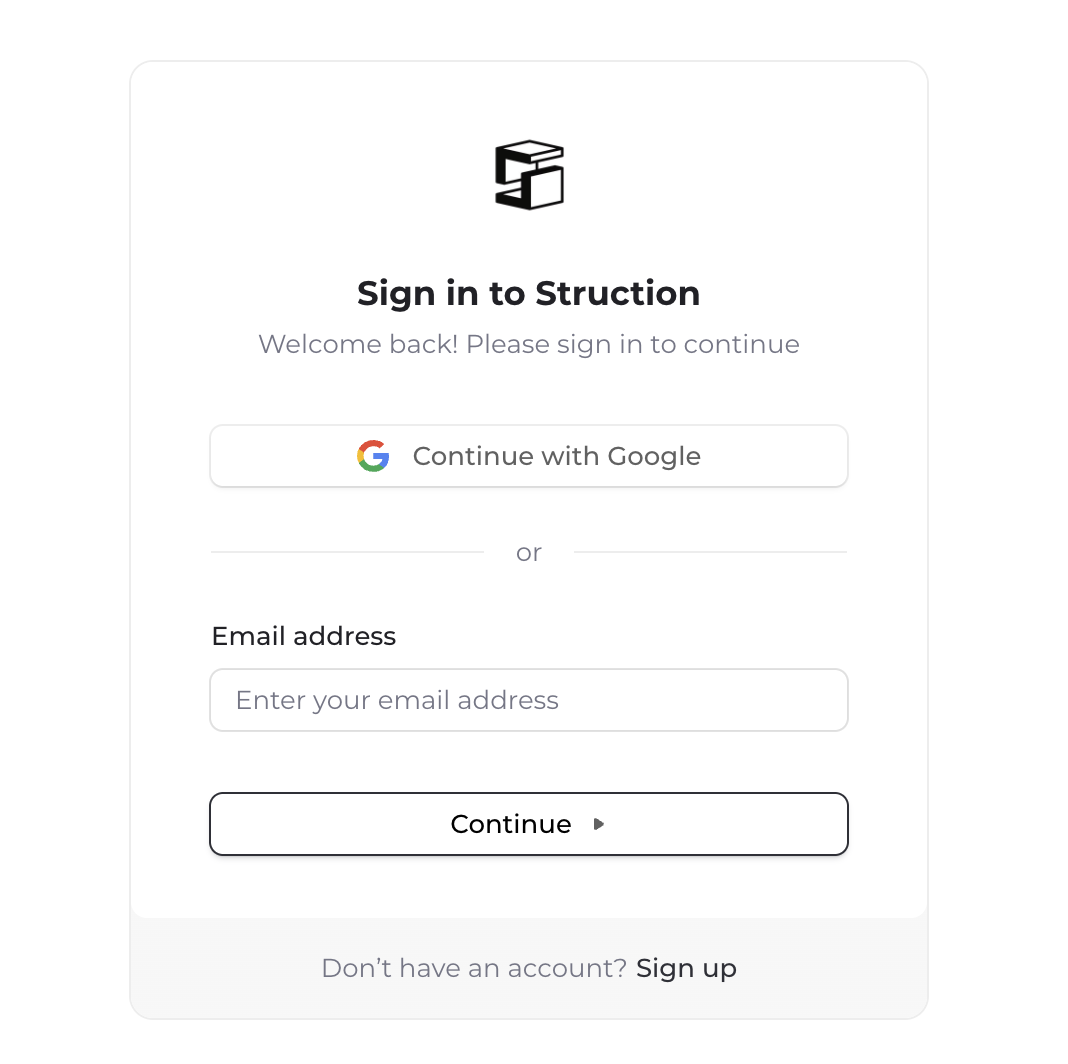
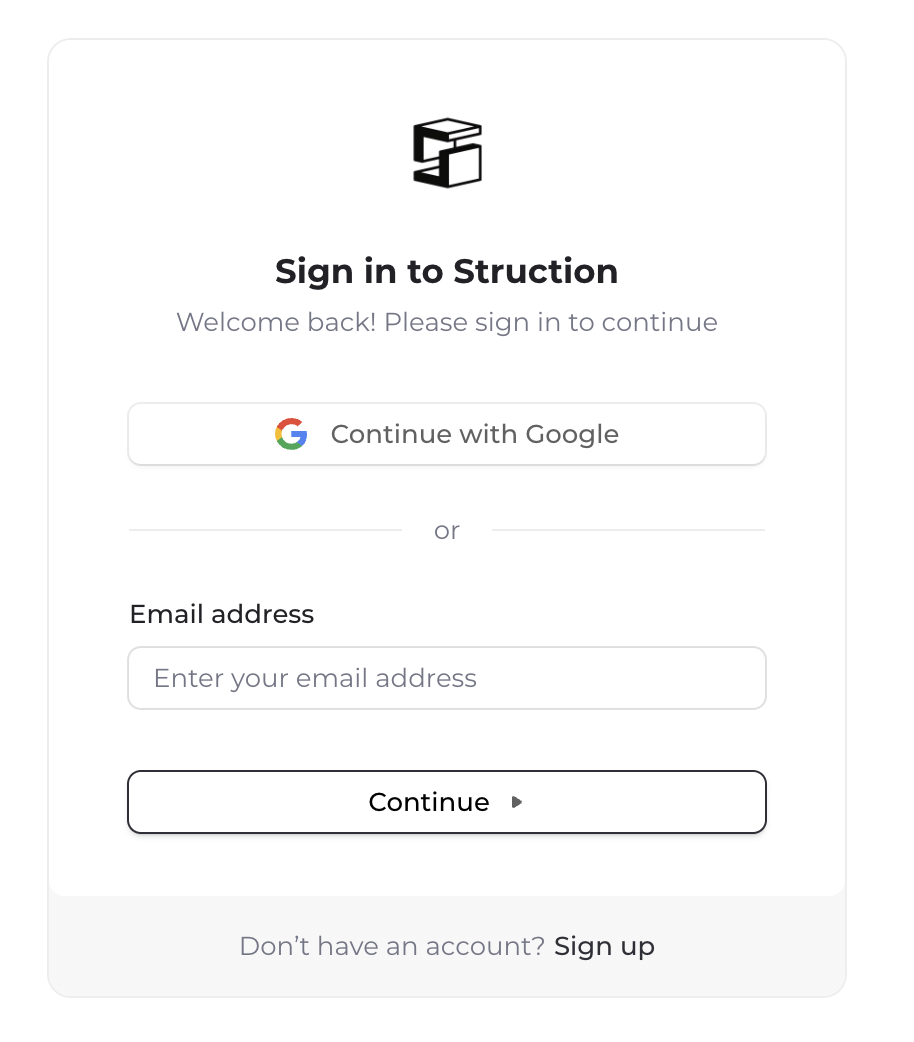
- This will take you to the "Sign in to Struction" page. On the bottom of the page, you should see a text prompt labeled "Don't have an account? Sign up". Click "Sign up".
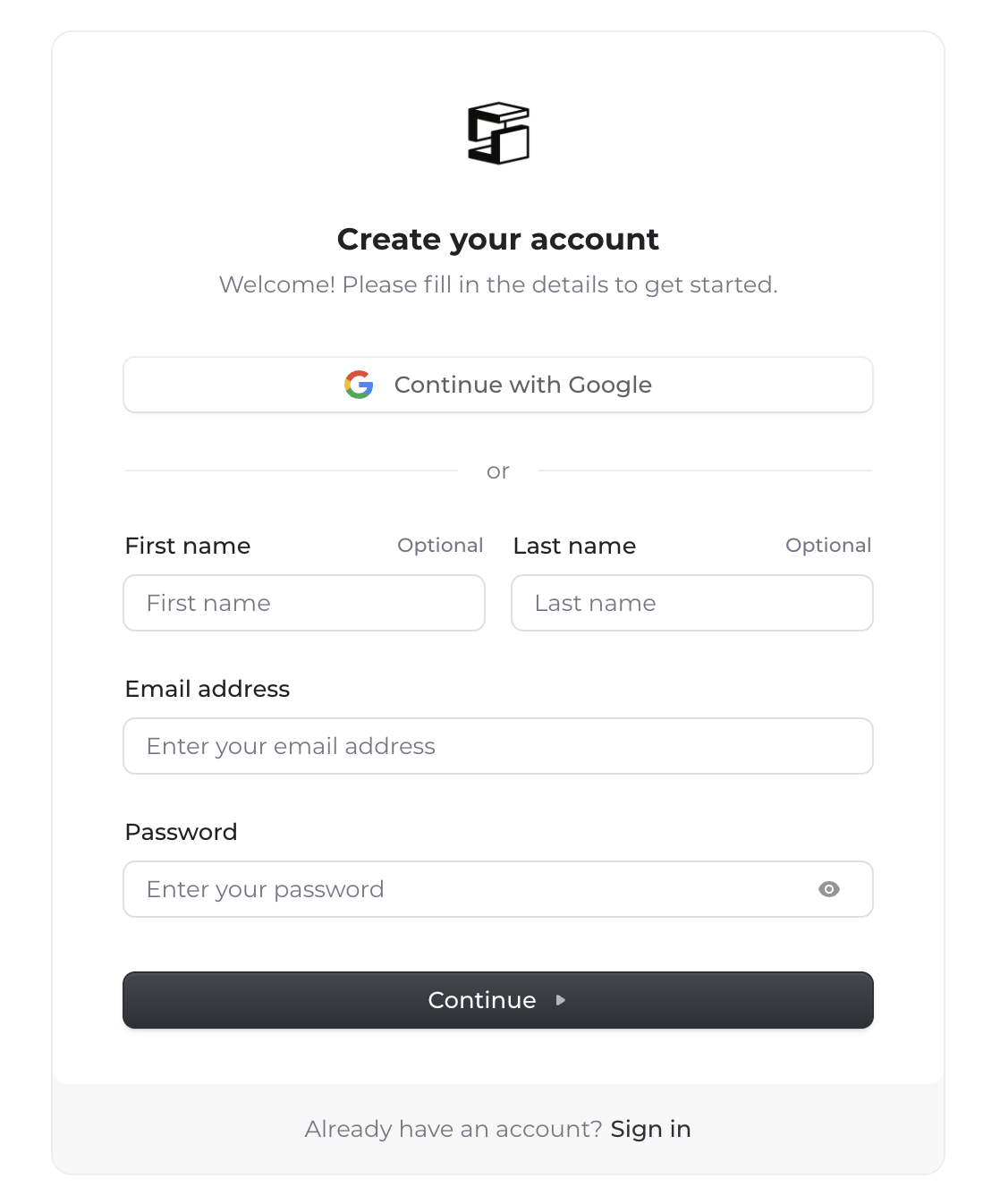
- You will be directed to the "Create your account" page. Fill-in your First name, Last name, email address, and a secure password. Then click "Continue" and follow the prompts to verify your email.
Existing Users (Signing In)
If this is NOT your first time using Struction, you will need to "Sign-In" as an existing user.
- Navigate to "www.struction.co" (NOT "www.struction.com" - this is not our website)
- Click "Sign-In" in the top right hand corner
- This will take you to the "Sign in to Struction" page. Enter your email address in the "Email Address" field. Hit "Continue".
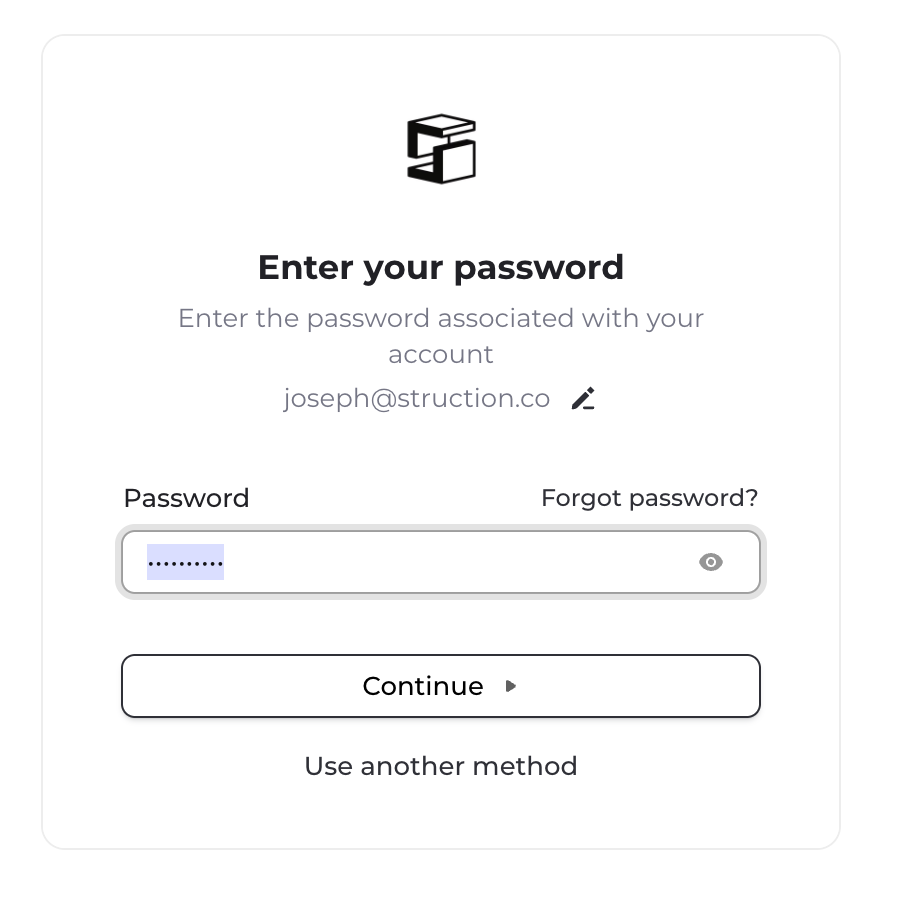
- This will take you to the "Password" page. Enter your password. Hit "Continue". If you forgot your password, click "Forgot password?" and follow the prompts to reset your password.