Creating a Project
"Projects" are the atomic unit of organization within Struction. It's super easy to quote a project in Struction - all you need is a set of construction drawings, a name, and a general understanding of retaining walls! We'll first create the project, perform a takeoff(s), design our quote, and then publish for other people to see.
Creating Your First Project
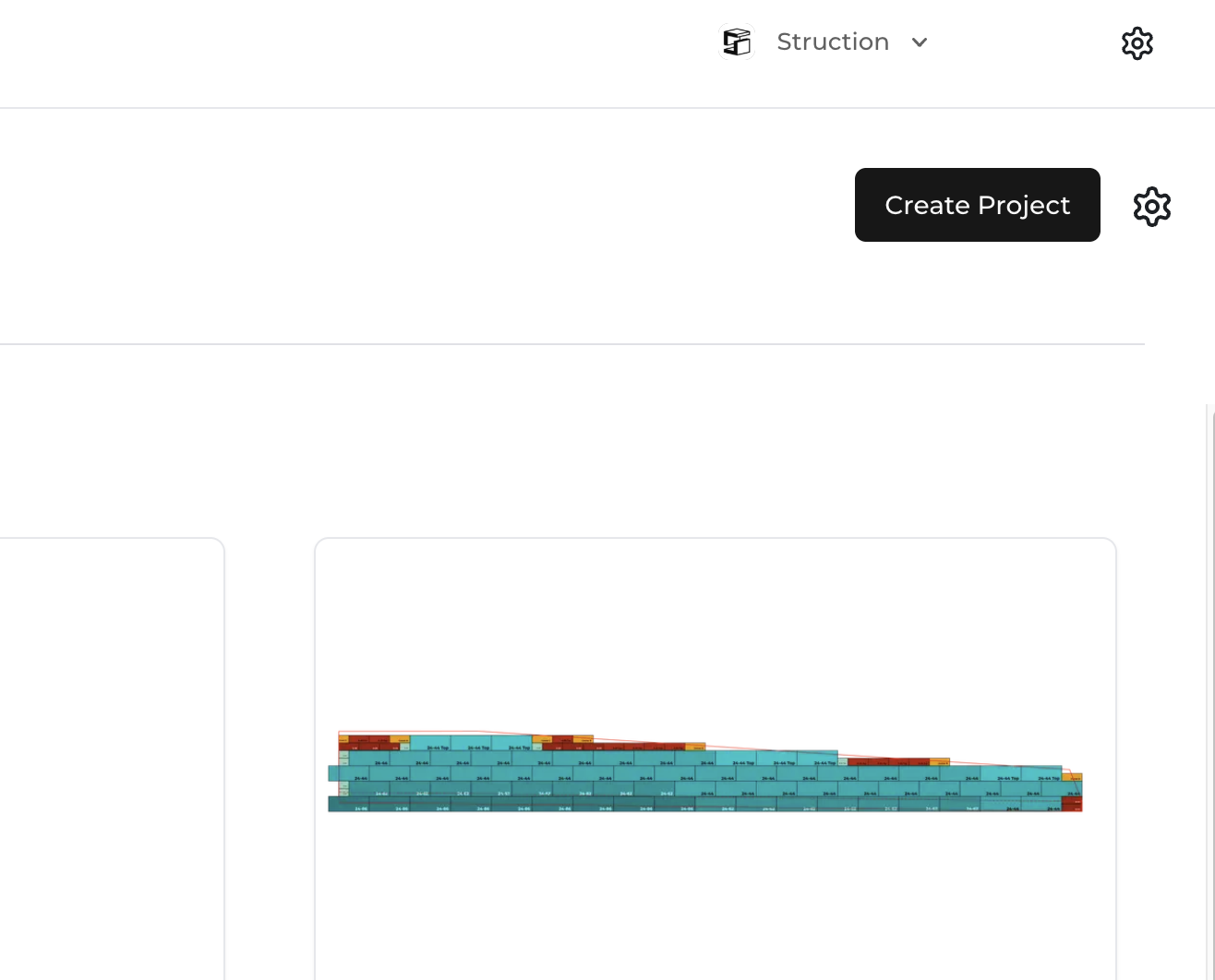
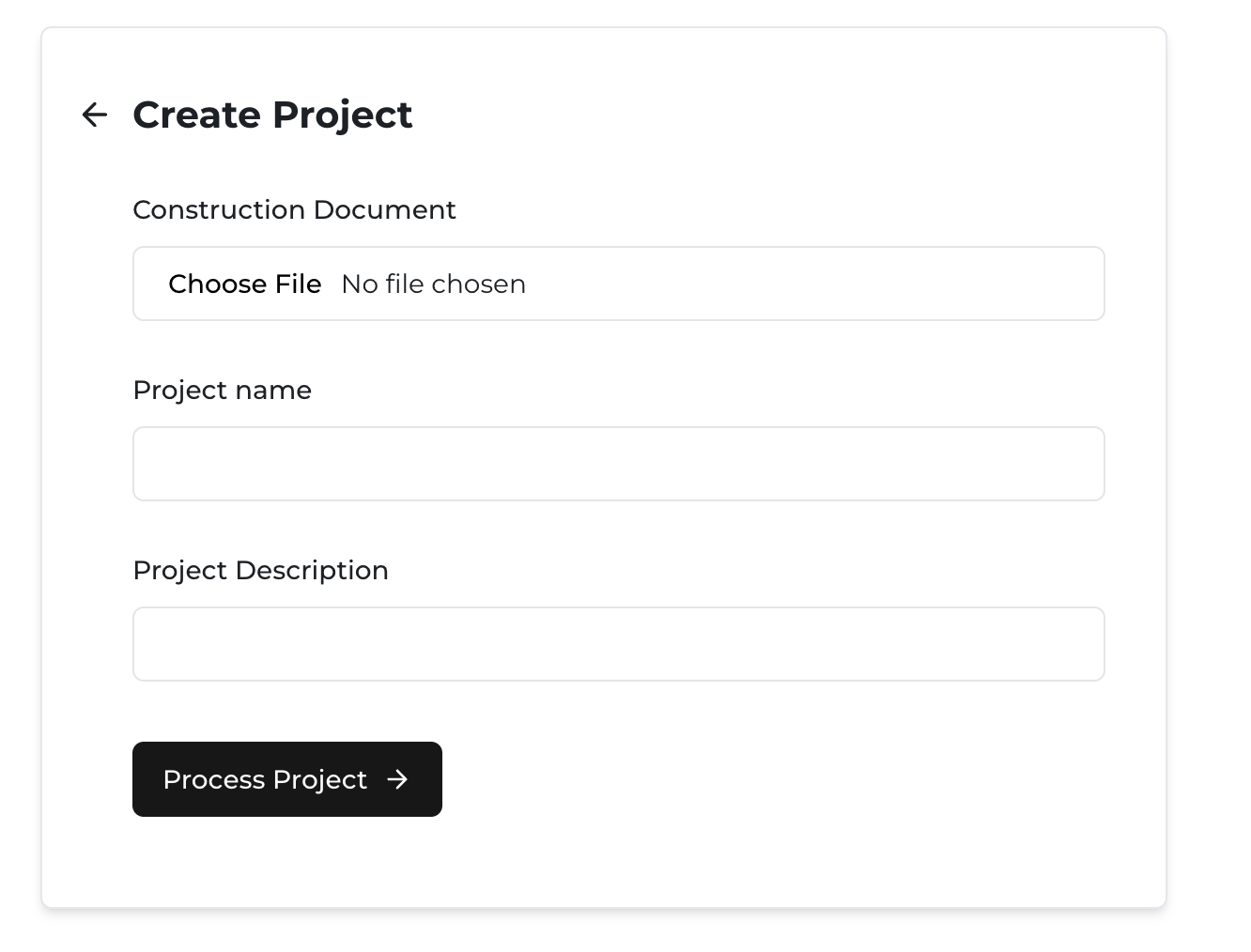
To create a project in Struction, all you need to do is hit the "Create Project" button in the upper right hand corner of the Project Overview page. This will direct you to the "Create Project" page.
Uploading Construction Documents
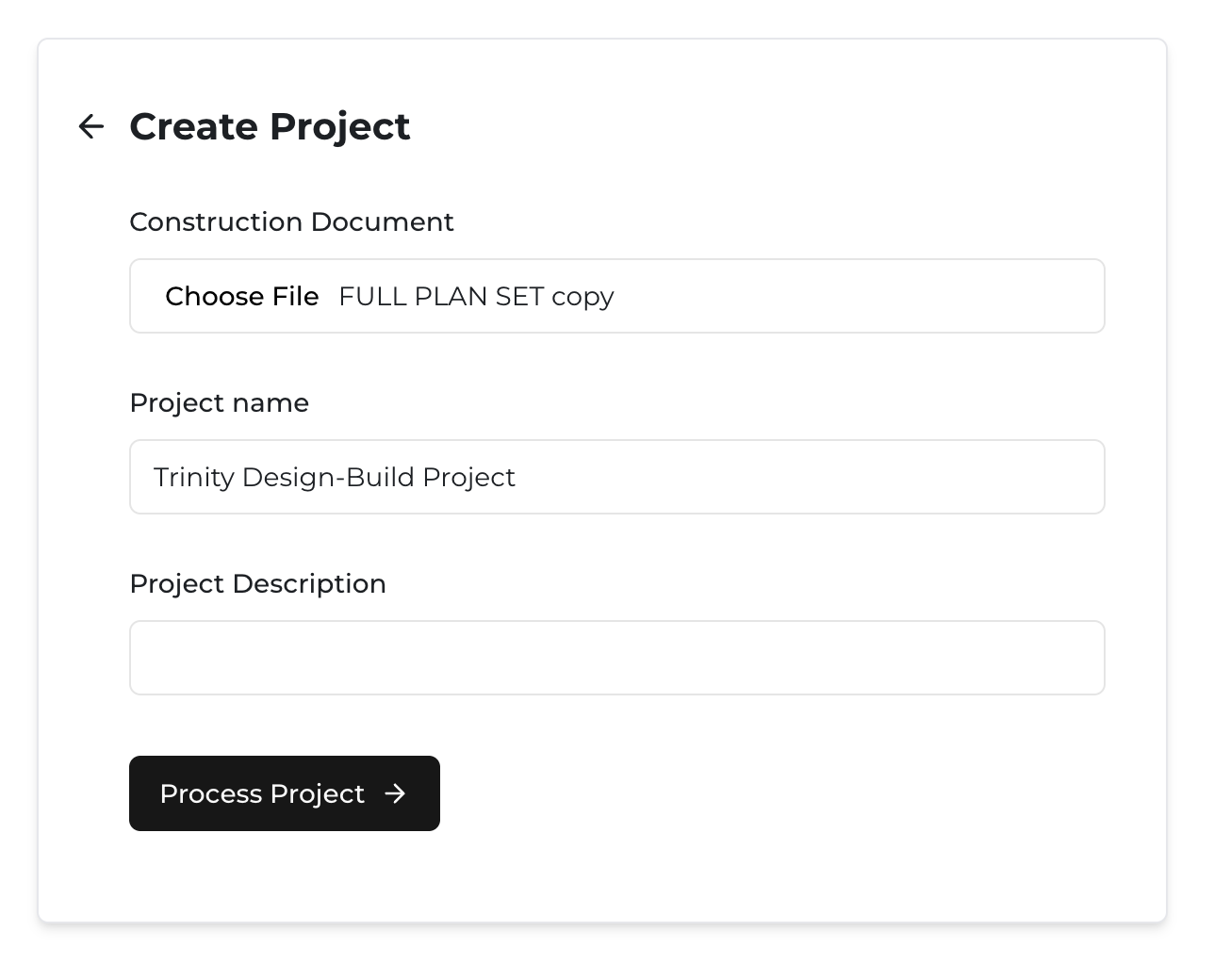
To create the project, all you need to do is upload a set of construction drawings by clicking "Choose File" under the "Construction Document" label, select the PDF drawings associated with your intended project (from your local drive), and make sure the "Project Name" looks right to you. For record keeping purposes, you can add a description, but that is not a requirement to create a project.
Processing Your Project
Once you feel comfortable with that information, click "Process Project" to let our AI look for retaining walls and help you start a takeoff! Depending on the size of the document, processing the drawings can take anywhere from a few seconds to a few minutes depending on your internet speed. Very large documents (more than 250mb) may take up to 10 minutes.