Account Setup
Before you use Struction to make your first quote, we need to setup your account with business and technical information so you can create accurate, and fast, quotes. Most importantly, you need to make sure you have accurate Pricing and Estimation Charts for rapid preliminary design and pricing of walls.
Onboarding
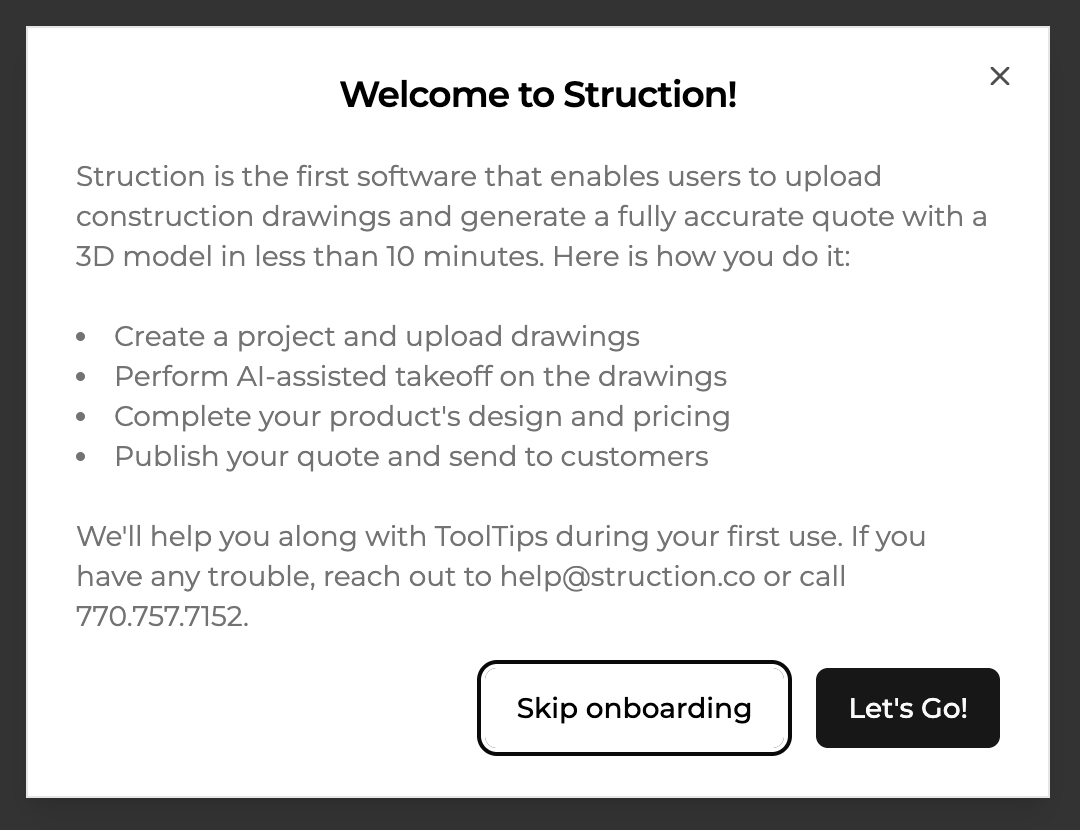
When you log-on to Struction for the first time, the first thing you will see will be a prompt as to whether you want to follow an onboarding workflow. We HIGHLY recommend you follow the onboarding - it only takes a few minutes and it shows you most of the important features of Struction. Click "Let's Go!".
Projects Overview
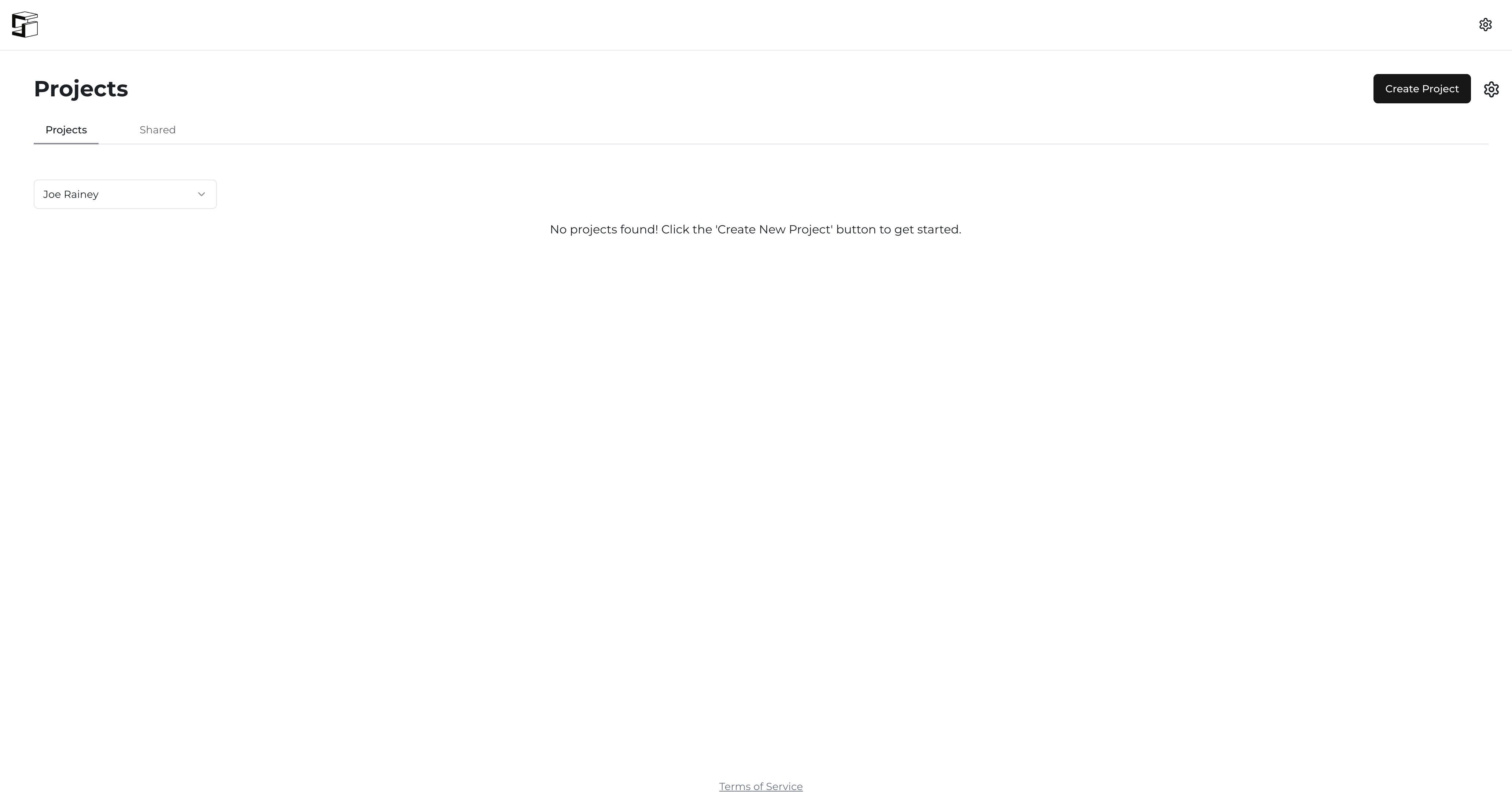
The Projects Overview Page is like your home base. Every project that you create on Struction will populate here. So long as you are logged-in, you can get back to this page from any other page on the application by clicking the Struction logo in the top left hand corner of the screen. From here, you can Create a Project, update your pricing, change estimating charts, source projects, and more.
Shared Projects
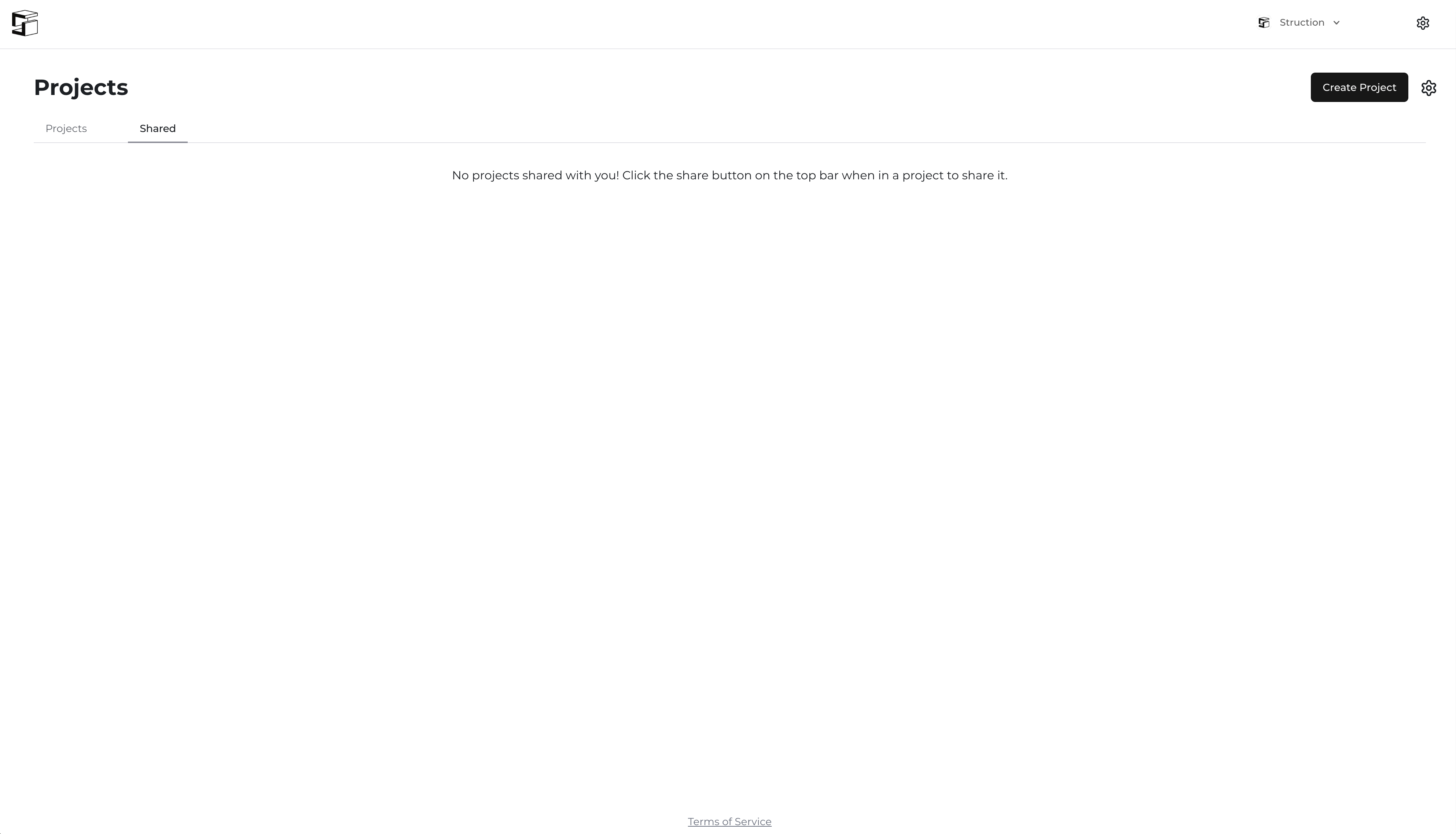
Projects that are shared with you by other users in your organization or other organizations within your wall system network will show up under the "Shared" tab from the Project Overview page.
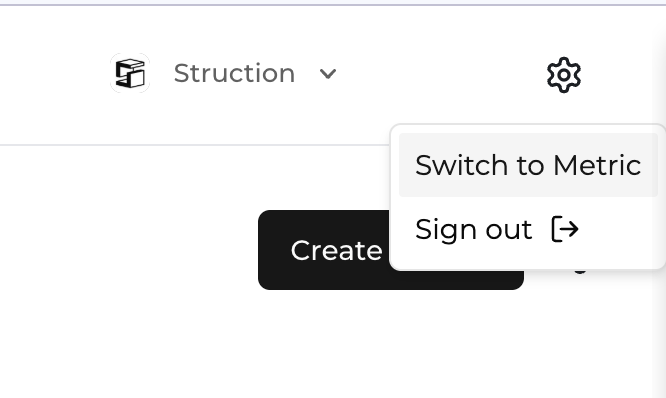
Switching Between Imperial and Metric
To switch between Imperial and Metric units of measure, simply select the gear icon in the very top right corner of the screen and click "Switch to [OTHER UNIT OF MEASURE]".