Publishing Your Quote
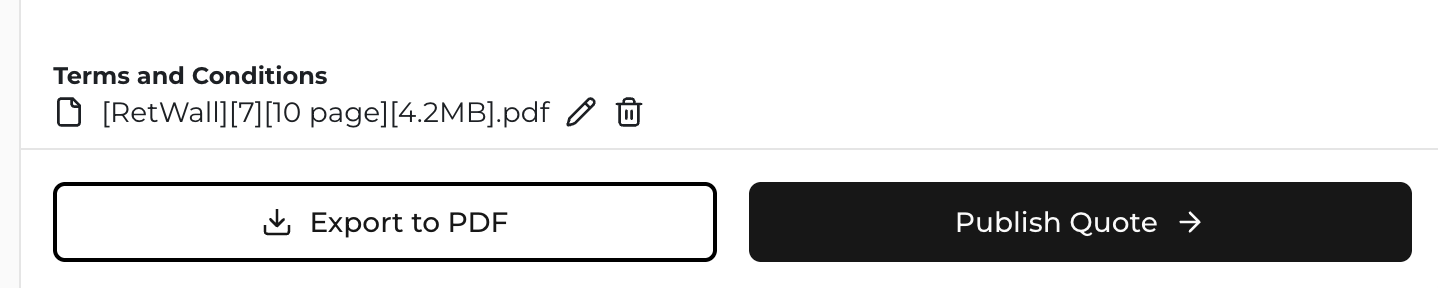
Once you have completed your quote, you can then click "Publish Quote" to generate your finalized quote and 3D models.
The Published Quote Page
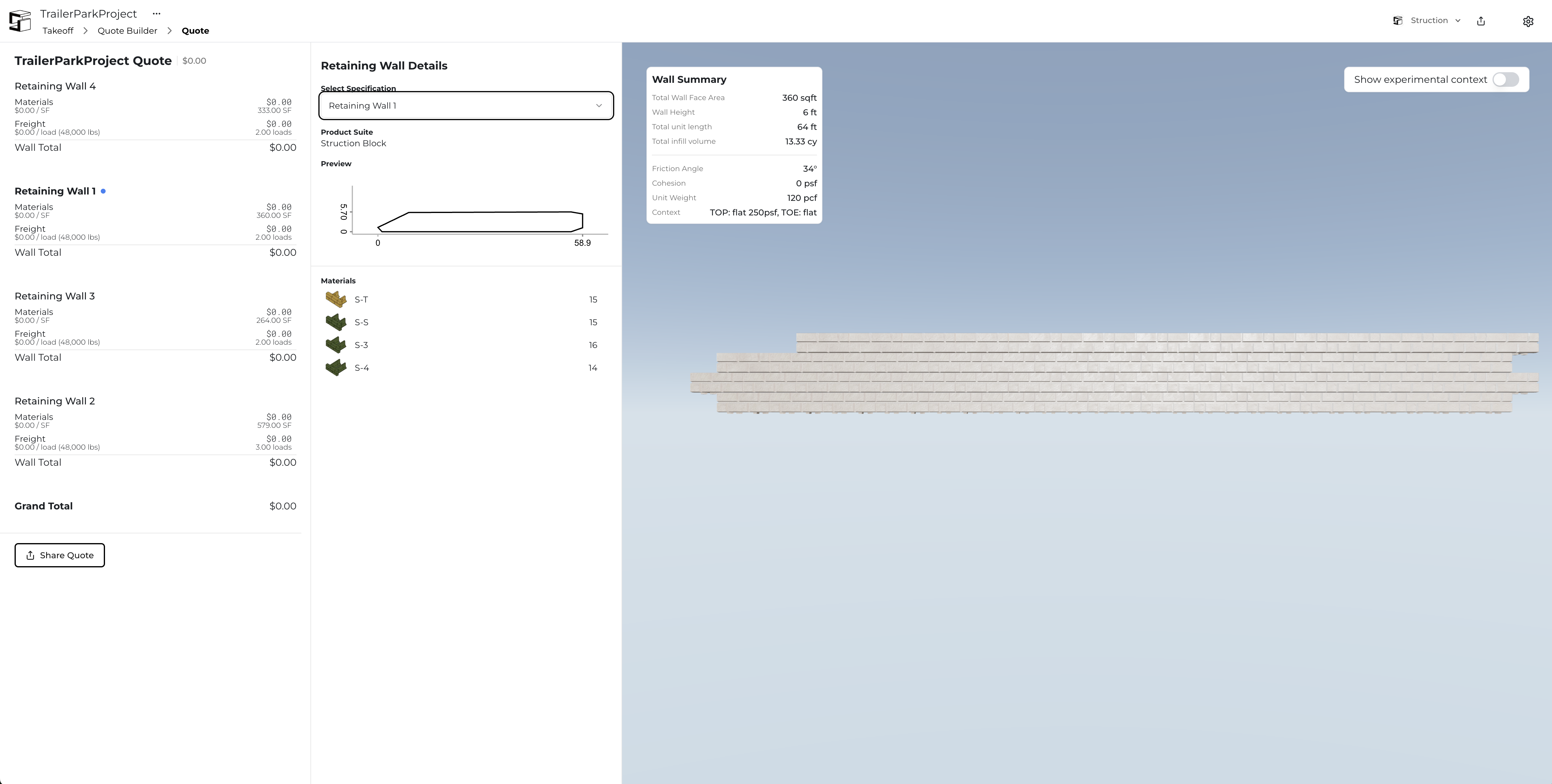
The Quote page is a replication of important information from Quote Builder, sweetened with a 3D model of your retaining walls. On the far left side you can see quote details, including a "Share Quote" button that allows you to send a link of your quote to your customers; note that this page is all your customer will be able to see - they won't ever see your Quote Builder page.
Using the white panel to the right of your quote details, you can switch between your retaining walls, see a basic envelope of the wall, and even see your material counts. Of course, on the right of the page is your 3D model that your customers can interact with, along side a wall summary for additional details like infill quantities and total weight.
Key Features of Published Quotes
- Customer-facing interface - Clean, professional presentation
- Interactive 3D models - Customers can rotate and explore the wall design
- Material counts - Detailed breakdown of units and quantities
- Wall summaries - Technical specifications including infill volumes and weights
- Shareable links - Easy distribution to customers and stakeholders
- Professional formatting - Ready for customer presentation