Quote Configuration
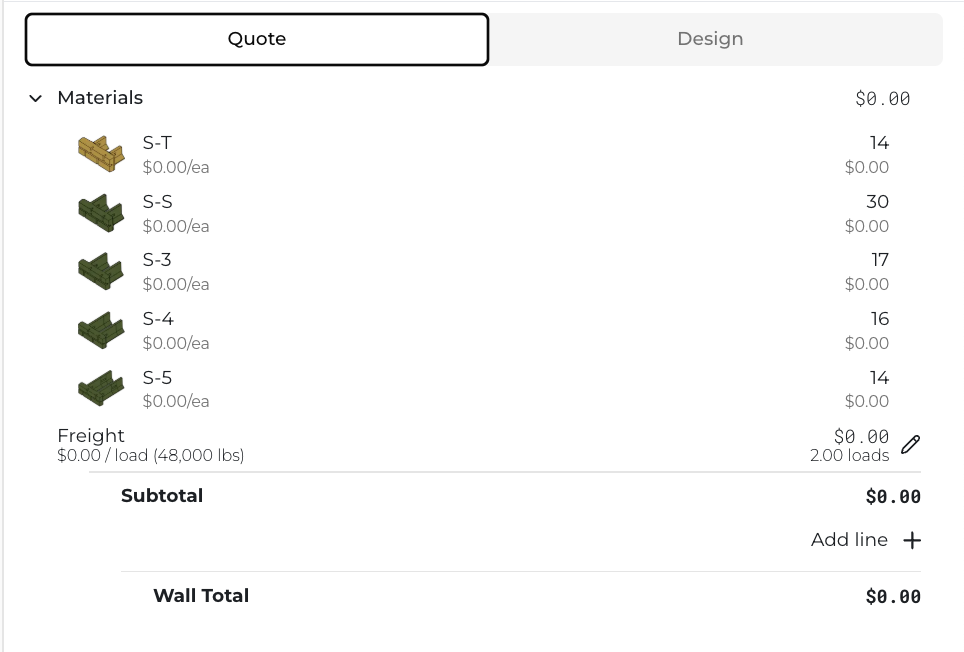
The Quote section of quote builder allows you to see all the retaining wall unit quantities of the selected wall, multiplied by their individual prices from the selected pricing book.
Freight Calculation
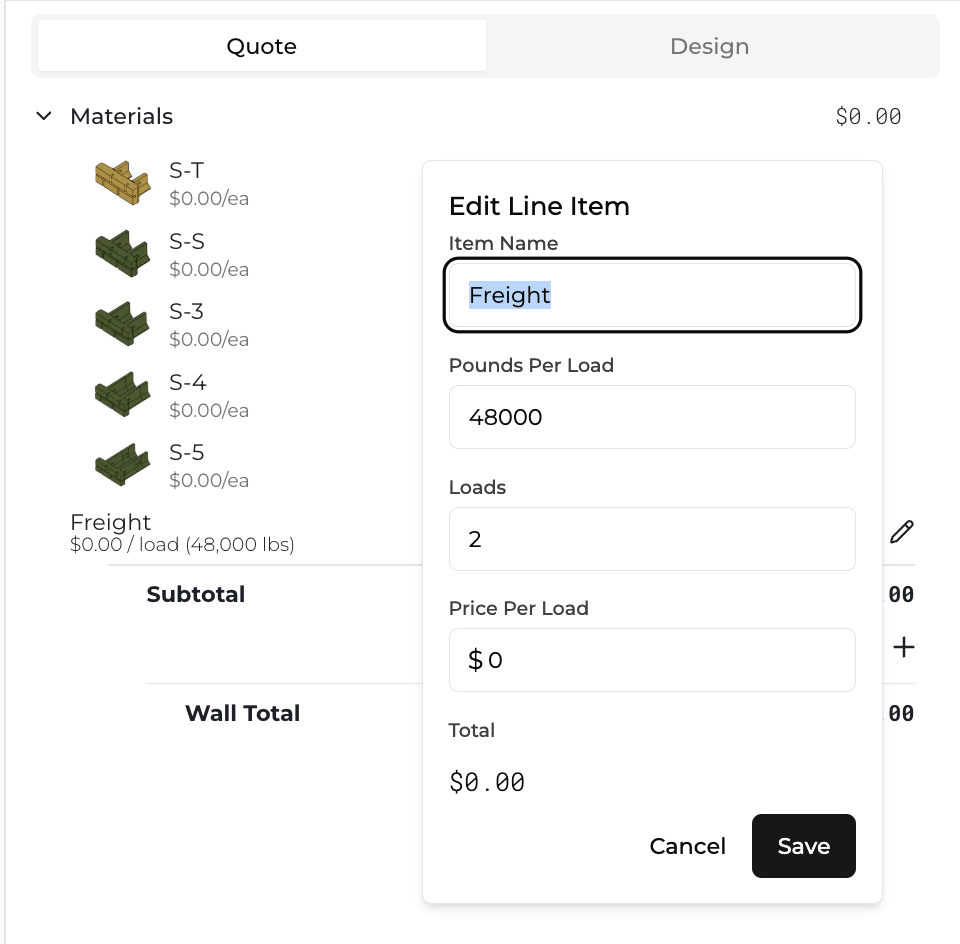
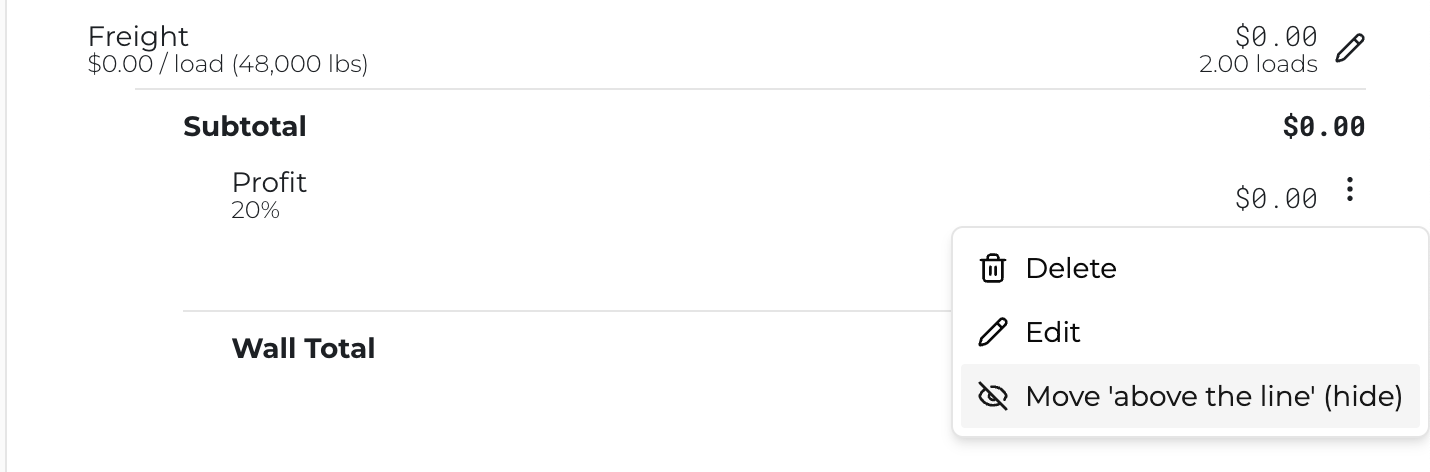
You'll notice in the above image that freight is automatically calculated based on the sum of mass of the retaining wall units divided by the allowable weight on a typical flat-bed truck (e.g. 48,000lbs). You can add a per-truck price and / or change the weight capacity of the truck by clicking the pencil next to the Freight total. You can also override the total number of loads, if desired.
Adding Custom Line Items
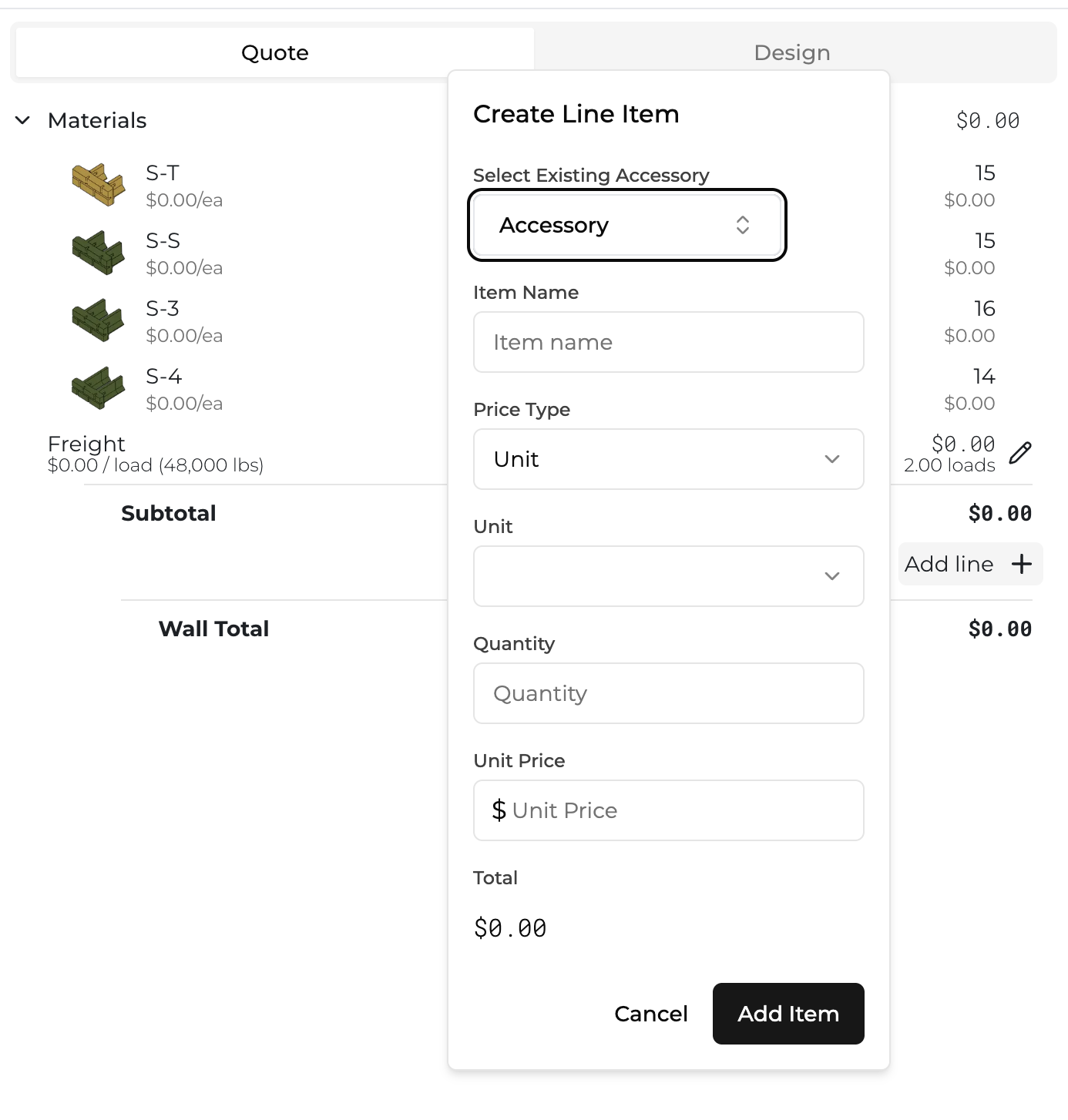
Finally, you can add any line item you'd like to your quote. You can add percentages, formula-based line items (like per square foot values), and lump sums. To do so, click the "+" button to the right of "Add Line" and then input the relevant information.
Line Item Visibility
After you've added your line item, you can modify the line item to either be hidden from or seen by your customer. To do so, simply click the vertical ellipses to the right of the line-item total, and click "Move 'above the line' (hide)" to hide, or "Move 'below the line' (show)" to show the line item.
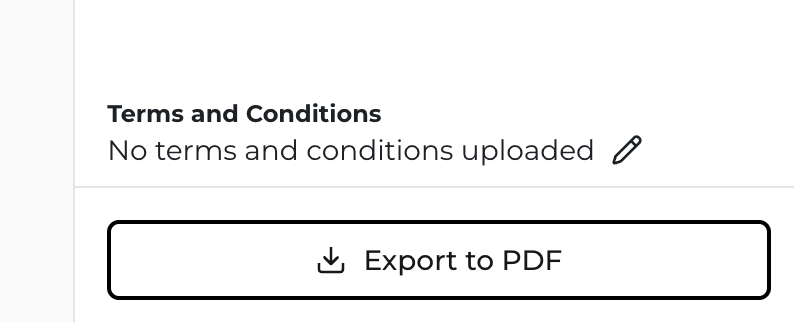
Terms and Conditions
Lastly, you can decide to add Terms and Conditions by clicking the pencil icon near "Terms and Conditions". You can then click "Choose File" and upload Terms, conditions, or any other documents you would like your customer to see. Be sure to hit "Upload" once you've chosen your file. You have the option to export your wall to PDF, if so desired. You can do that by hitting "Export to PDF".