Setting Scale
If we've found a retaining wall on a page, we first need to set the scale of the drawing before we begin a takeoff. Plan views usually have one universal scale that applies in both the X and Y direction. Elevation views, on the other hand, can frequently have differing X and Y scales to be more economical in the drawing.
Setting the Scale
To set the scale, click "Set Scale" in the upper right hand corner of the PDF Viewer.
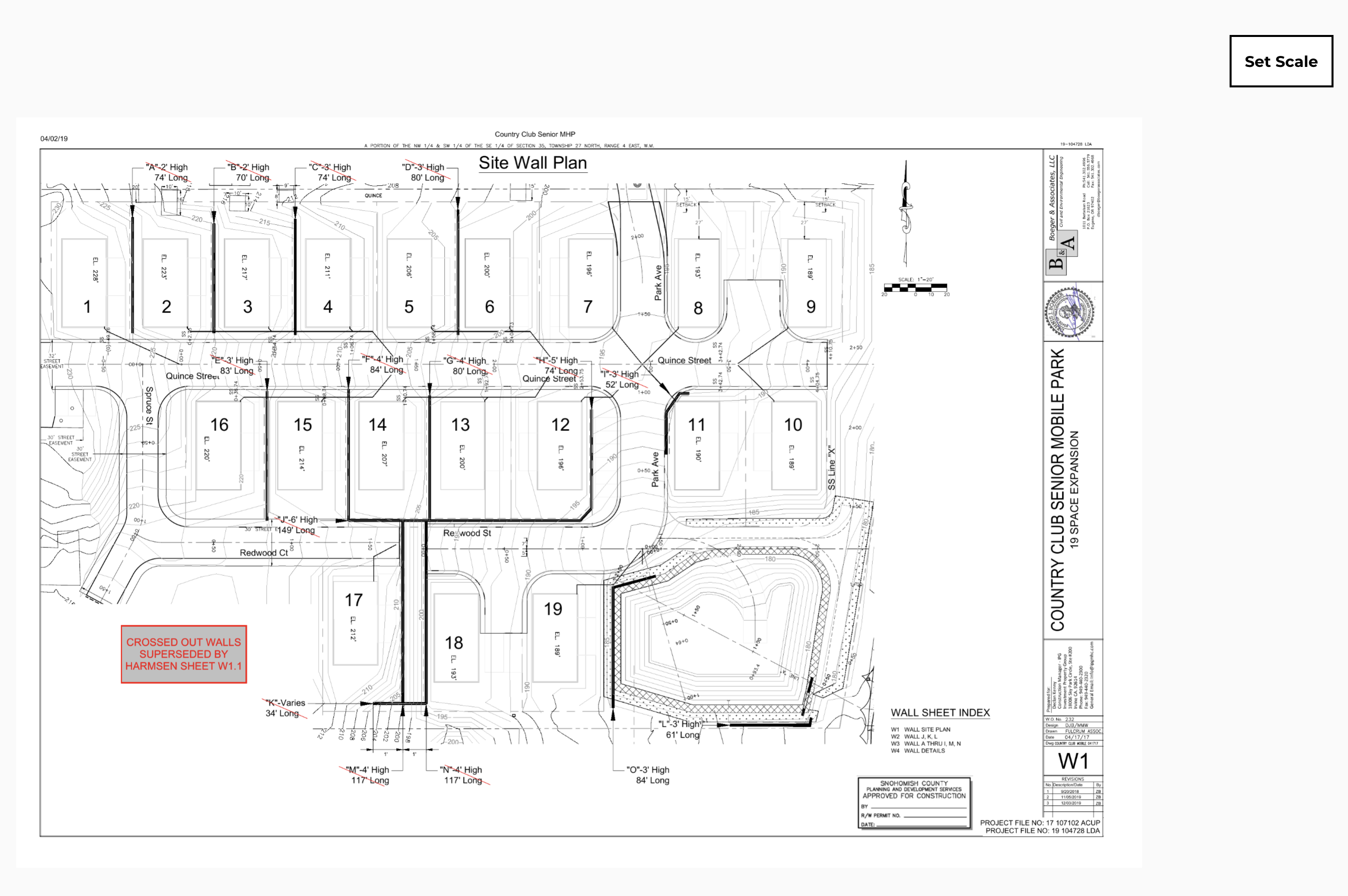
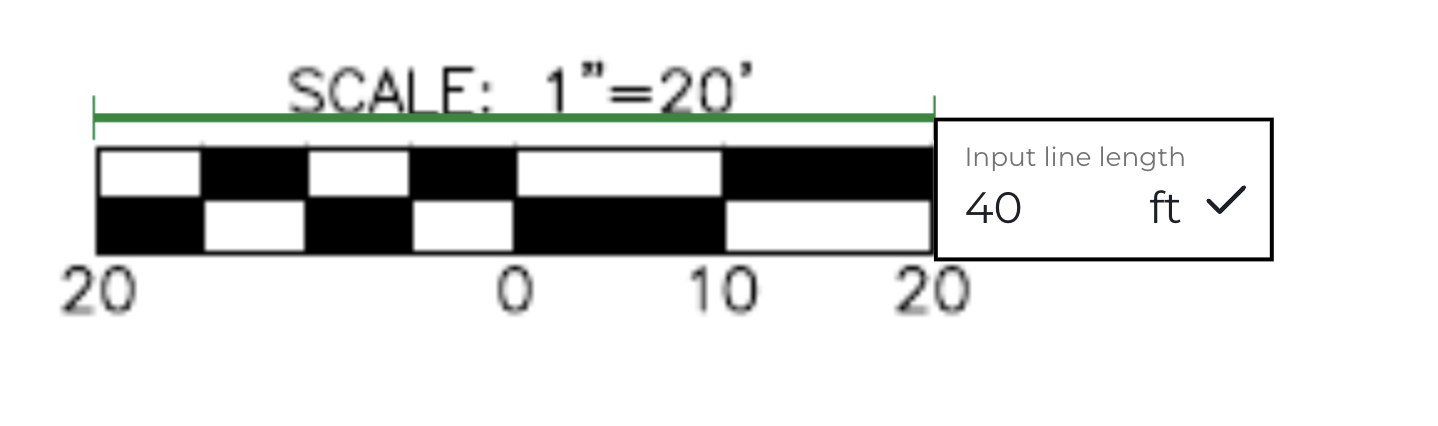
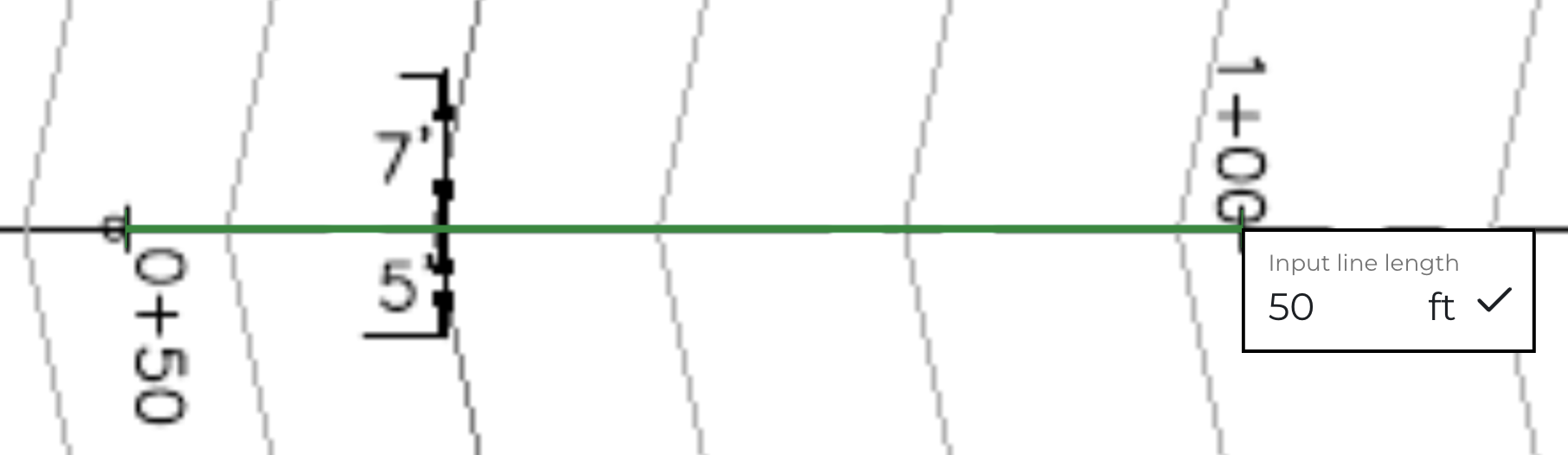
The "Set Scale" button should turn black, meaning the scale tool is active. You should then click, hold, and trace a known dimension on the drawing; this can be any known dimension, such as a scale key (shown below) or another dimension like stationing on a road (also shown below). Be creative - every drawing we have seen has some known dimension.